IPTV vs YouTube TV vs Cable — Side-by-Side for 2026
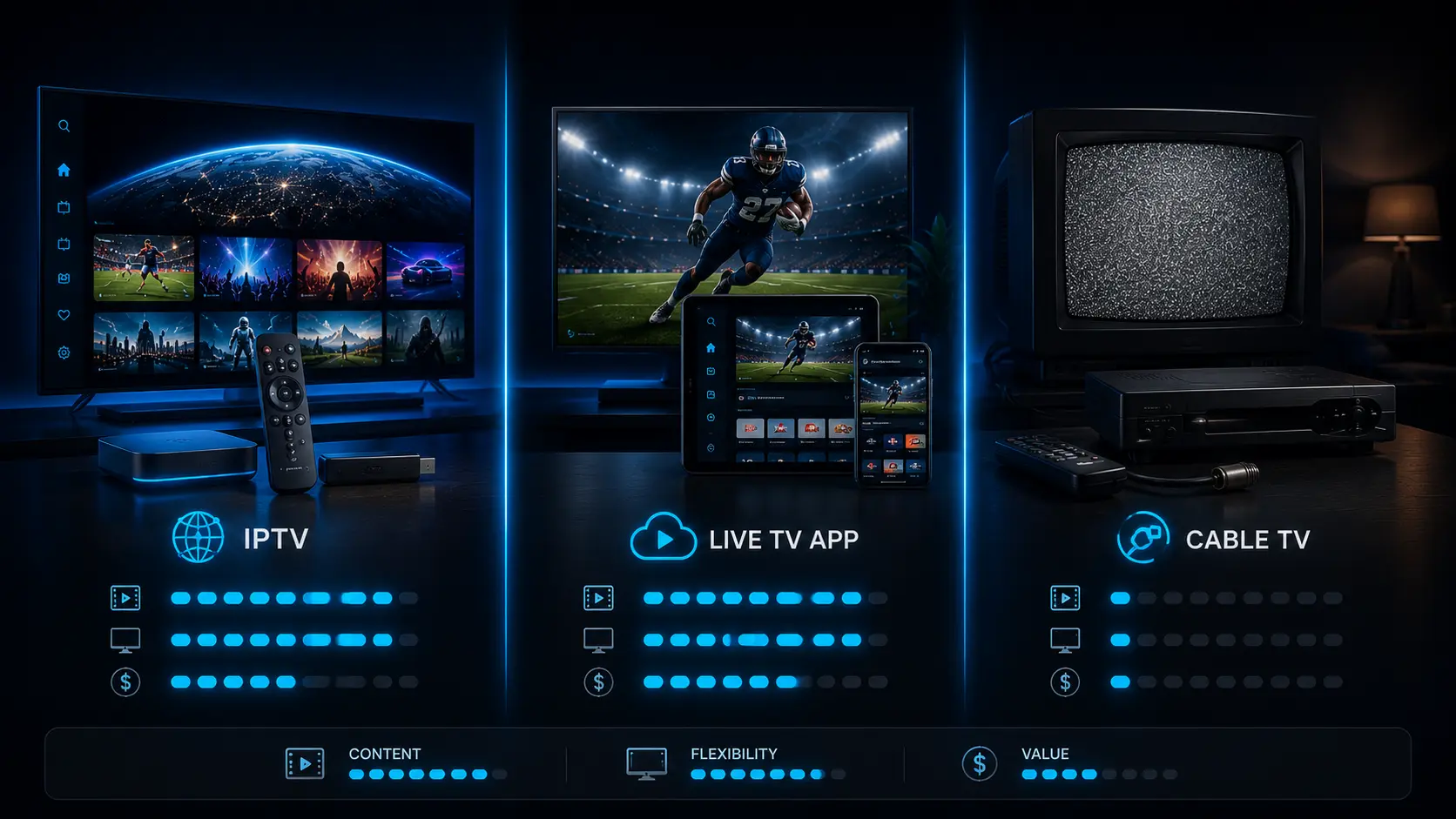
Three live-TV options dominate US households in 2026: traditional cable (the legacy operator your parents had), YouTube TV (the most popular "cord-cutter" bundle), and IPTV (the standards-based alternative that quietly costs a fraction of either). This guide compares all three on the dimensions that actually matter — price, channels, picture, contracts, and the friction your household notices day to day.
What's the quick answer?
If you want the verdict before the math: cable is the most reliable and the most expensive; YouTube TV is the polished middle option with the highest brand recognition; IPTV is the cheapest and most flexible, with a slightly higher first-time-setup learning curve. For most US cord-cutters, the order of escalation is cable → YouTube TV → IPTV, and the savings compound at each step.
Cable (Comcast / Spectrum)
The legacy default. Most reliable, most expensive, contract-locked, and rapidly losing the channel-count race to IPTV.
- Reliable, ISP-agnostic
- Local affiliate guarantee
- $200+ all-in with internet
YouTube TV
The polished middle option. Roughly 100 channels, unlimited DVR, no contract — but RedZone and a handful of premium feeds are extras.
- Familiar Google UX
- Cloud DVR included
- Locked to YouTube's app on devices
Guru IPTV
Standards-based delivery, 50,000+ channels, 30-day refund, works in any IPTV player on any device. Cheaper than the YouTube TV add-on bundle by itself.
- 1/3/6/12 month plans
- Works in TiviMate, Smarters, Smart TV apps
- 30-day money-back guarantee
The full side-by-side comparison
Pricing and channel counts here are based on publicly listed plans as of 2026. Cable pricing is averaged across the three largest US providers (Comcast Xfinity, Spectrum, Cox) using their non-promotional going rate.
| Dimension | Cable (avg) | YouTube TV | Guru IPTV |
|---|---|---|---|
| Monthly price (base) | $80–$120 | $82.99 | $14 · $5/mo annual |
| Live channels | 150–250 | ~100 | 50,000+ |
| VOD library | Add-on | DVR only | 100,000+ titles |
| 4K UHD streams | Limited | Some events | Yes (flagships) |
| Contract / install fee | 1–2 yr + install | None | None |
| Cancellation friction | Phone call, retention | In-app, 1 click | No-auto-renew lapse |
| Money-back window | Varies | Free trial | 30 days, no questions |
| Concurrent streams | House-wide | 3 | 1 (or add-on) |
| Works on Firestick | No | Yes | Yes |
| Works on Smart TV | Via cable box | Yes (Samsung/LG/Roku) | Yes (Samsung/LG) |
| NFL RedZone | Included in sport tier | +$11/mo add-on | Included |
| Local affiliate guarantee | Yes (regulatory) | Most DMAs | Most DMAs |
| Setup time | Install appointment | ~3 min sign-up | ~5 min Firestick |
Which option actually costs the least over a year?
Headline monthly prices don't tell the real story — add-ons, taxes, equipment fees, and "promotional" pricing that expires at 12 months change the math. Here's the annual all-in for each option, assuming a household that wants live sports including RedZone:
- Cable: ~$1,500–$2,400/year. $80–$120/mo base, plus $15–25/mo equipment rental, plus $10–20/mo broadcast and regional sports fees, plus taxes. Most US households spend $150–$200/month all-in on cable + the internet they need anyway.
- YouTube TV with RedZone: ~$1,128/year. $82.99/mo base + $11/mo Sports Plus add-on for RedZone × 12 months. No equipment fee, no broadcast surcharge — Google bundles those in.
- Guru IPTV 12-month plan: $60/year. ~$5/month effective rate. Same channels including RedZone. No equipment fee, no add-on.
The annual savings going from cable to IPTV are roughly $1,500–$2,300. From YouTube TV to IPTV: roughly $1,000. Whether that justifies the slightly steeper IPTV learning curve depends on how much $1,000–$2,000/year matters to your household.
How does picture quality compare?
This is where the answer surprises people. All three options deliver effectively identical picture quality on the same TV in the same room. The reason: every modern US "cable" feed is already digital, encoded at roughly the same bitrate the streaming services use, and your eye can't tell whether the H.264 stream came through a coaxial cable or your home router. Specific notes:
- HD (1080p) playback is identical across all three. Network broadcasts (CBS, FOX, NBC, ABC) look the same on cable, YouTube TV, and IPTV.
- 4K is patchier on cable. Most cable providers don't carry consistent 4K feeds outside of premium event PPV; YouTube TV streams some events in 4K with a separate add-on; Guru IPTV routes 4K on the flagship sports networks.
- HDR support is identical across YouTube TV and IPTV on a recent Smart TV or Firestick 4K Max.
Why is the channel count so different?
Three numbers — 200 (cable), 100 (YouTube TV), 50,000+ (IPTV). The gap deserves an explanation.
Cable's ~200 channels are a curated bundle: the operator pays carriage fees to each network and passes them along to you. YouTube TV's ~100 channels are an even more curated bundle aimed at the high-revenue US market. Guru IPTV's 50,000+ count includes the entire global universe of channels routed through the service — US locals, regional sports networks, Spanish-language networks, PPV slots, international news in English, plus a long tail of niche and regional channels that cable would never bother carrying.
In practical terms, most US households use 20–30 channels regularly. All three options cover those 20–30. What differs is what happens when you want something outside that core: cable says "upgrade your tier," YouTube TV says "add a package," and IPTV says "it's probably already in your lineup."
Contract terms and the cancellation experience
Cable signs you to a 1–2 year contract with an early termination fee. The advertised "$80/month" rate often expires after 12 months and resets to $120+. Cancellation requires a phone call to retention, who will offer you a discount specifically to keep you on the line. The whole process is designed to retain customers through friction, not value.
YouTube TV is the opposite: no contract, instant in-app cancellation, refund prorated to the day. The same is true of Sling, Hulu Live, and other vMVPDs — they figured out that a frictionless quit reduces total churn.
IPTV (specifically Guru IPTV's model) goes one step further: no auto-renewal at all. You pay for a term, the term expires, and the service simply stops unless you actively renew. Nobody calls you. Nobody schedules a retention meeting. This is unusual enough that it's worth highlighting — most subscription businesses depend on the friction of cancellation, and an IPTV operator that opts out of that pattern is making a statement.
The hidden tax of subscriptions
Most US households pay for at least one streaming service they forgot they signed up for. The no-auto-renewal model eliminates this entirely. You renew because you actively want to, not because nobody got around to canceling.
What about reliability and support?
Cable's biggest remaining advantage is operational. When a cable feed goes down, one company is responsible, and they show up with a truck. When an IPTV stream goes down at 8 PM on a Sunday, the responsibility is split between the IPTV service, your router, your ISP, and your player app — figuring out where the problem is takes more troubleshooting than a cable customer ever does.
That said, US home internet is reliable enough in 2026 that the practical reliability difference between cable and IPTV is small. The bigger reliability variable is your ISP — Comcast, AT&T Fiber, Verizon Fios, Spectrum, Cox, and T-Mobile Home Internet all serve IPTV without issues. 24/7 WhatsApp support answers within minutes for most service-side questions.
YouTube TV sits in the middle: Google's infrastructure is very reliable, but US customer support is the standard tech-company chat-bot-then-form-then-eventual-human experience. Most YouTube TV issues are resolved in self-service flows.
Which option is right for which household?
Stick with cable if:
- You watch local-affiliate news in a smaller DMA that streaming services don't reach.
- Your household includes someone who actively doesn't want to learn a new app interface.
- Your home internet is unreliable enough that streaming is regularly painful.
- You don't mind spending an extra $1,500/year for the convenience.
Switch to YouTube TV if:
- You want the cord-cutter experience with zero learning curve.
- Cloud DVR is non-negotiable.
- You're fine paying $1,000/year for the polish premium over IPTV.
- You don't watch RedZone (it's an expensive add-on on YouTube TV).
Switch to Guru IPTV if:
- You want the lowest possible monthly cost without losing channels.
- You're comfortable installing a free player app once.
- You want RedZone and NFL Network bundled, not as an add-on.
- You want a 30-day refund window to test before committing.
The honest verdict
If you've already cut cable and are paying YouTube TV $80+/month, IPTV is a low-risk experiment. Subscribe for one month at $14, install on your existing Firestick or Smart TV in five minutes, and compare the experience side-by-side for the things you actually watch. If it works, switch and pocket $1,000 a year. If it doesn't, take the 30-day refund and you're out of pocket only the time it took to test.
If you're still on cable and considering the cord-cutter jump, the decision tree is the same — except the savings double, and the price of failure is even lower.
Related Articles
Test Guru IPTV With a 30-Day Refund
$14 first month. The honest comparison happens in your living room, not in a blog post.