Guru IPTV on Smart TV — Samsung & LG, No Firestick Required
Guru IPTV runs directly inside the built-in app stores on Samsung Tizen and LG webOS Smart TVs. Install IBO Player or SS IPTV, paste the M3U URL from your activation email, and you've replaced cable with 50,000+ channels — no extra hardware on the back of the TV.
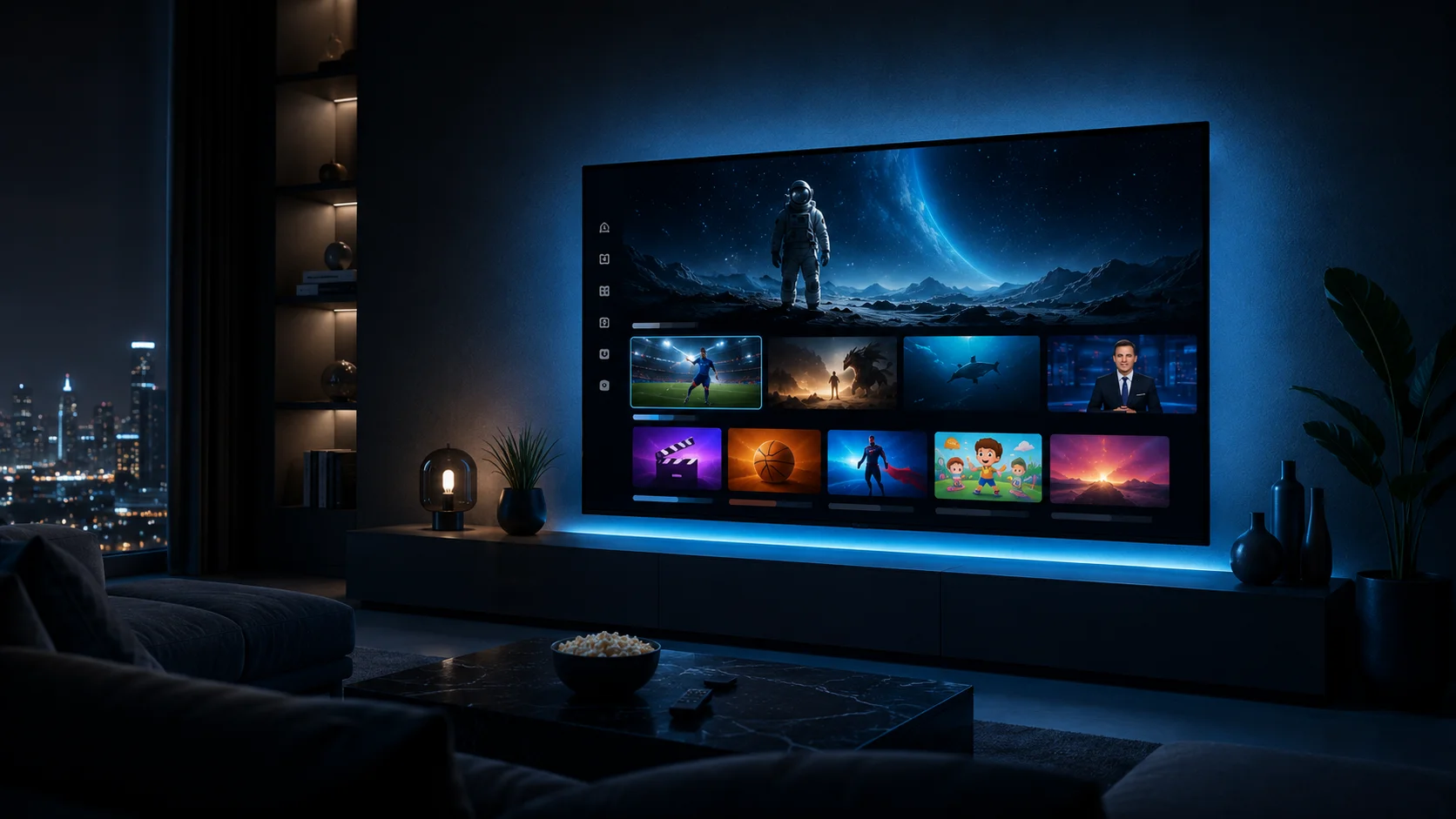
Why Use Guru IPTV Directly on a Smart TV?
Smart TVs are the cleanest install for Guru IPTV when you already own a 2018-or-newer Samsung Tizen or LG webOS set. The IPTV player runs natively inside the TV's existing operating system, which means no extra HDMI input, no Firestick remote to misplace, no dangling streaming stick, and one less device to power. The TV's native remote handles channel navigation, the picture engine optimizes for live broadcast content, and the EPG (electronic program guide) appears full-screen the way cable subscribers expect. For households that bought a Samsung QLED or LG OLED specifically as the centerpiece of the living room, running Guru IPTV directly on the TV is the right move — the picture quality is identical to a 4K Firestick stream, but you keep the integrated experience the TV's hardware was built for.
What Do You Get With Guru IPTV on Smart TV?
No extra hardware
Runs in the Samsung or LG app the TV ships with. No Firestick, no HDMI swap, no second remote.
True 4K on 2020+ panels
Native 4K HDR playback on recent Samsung QLED and LG OLED — premium sports and PPV look the way the panel was sold to look.
EPG and channel-flip
Full-screen 7-day TV guide. Channel up/down on the TV remote behaves like cable did.
~5-minute setup
Install IBO Player or SS IPTV from the app store, register the device, paste the M3U URL. Done.
24/7 WhatsApp help
Stuck on the device key step? Message support and a live human walks you through it.
Cleaner than casting
No phone screen-mirroring lag, no Chromecast cut-outs. The TV pulls the stream directly.
Which Smart TV Brands Work With Guru IPTV?
The two operating systems that ship on most US Smart TVs both run Guru IPTV through their built-in app stores. Other platforms work too — see the compatibility table below.
Samsung Tizen (2018+)
Tizen is the operating system on every Samsung Smart TV sold in the US since 2018, including Crystal UHD, QLED, Neo QLED and the Frame. Guru IPTV runs through two well-supported Tizen apps.
- IBO Player — best EPG, recording features, requires one-time MAC/device-key activation on the IBO Pro web portal.
- SS IPTV / Smart IPTV — simpler, free, paste the M3U URL via the SS IPTV web portal.
- Both apps install free from the Samsung Smart Hub Apps section.
- 4K HDR on Q70 series and above; 1080p HD on entry Crystal UHD.
LG webOS (2018+)
webOS is the operating system on every LG Smart TV since 2018, including UHD, NanoCell, QNED and OLED. The same two players that work on Samsung also work on LG, plus a couple of LG-specific picks.
- IBO Player — available in the LG Content Store, same activation flow as Samsung.
- SS IPTV — long-standing webOS player with a clean UI.
- Set IPTV — popular alternative with a one-time fee for some accounts.
- 4K HDR Dolby Vision on every C-series and G-series OLED from 2018 forward.
Will Guru IPTV Work on Your Specific Smart TV?
Quick reference for the most common US Smart TV platforms.
| Platform | Years | Native install | Player(s) | 4K |
|---|---|---|---|---|
| Samsung Tizen | 2018 → | Yes | IBO Player, SS IPTV | Yes (Q-series+) |
| LG webOS | 2018 → | Yes | IBO, SS IPTV, Set IPTV | Yes (C/G OLED) |
| Samsung Tizen | 2016–2017 | Limited | SS IPTV only | 1080p |
| LG webOS | 2016–2017 | Limited | SS IPTV only | 1080p |
| Older Smart TVs | Pre-2016 | Use Firestick | — | — |
| Vizio SmartCast | — | Use Firestick | — | — |
| Roku TVs | — | Use Firestick | — | — |
| Google TV / Android TV | — | Yes | TiviMate, IPTV Smarters | Yes |
If your TV is older than 2018 or runs a closed platform (Roku, Vizio SmartCast), the recommended path is a $30 Firestick — it gives the same experience and survives multiple TV upgrades.
How Do You Install Guru IPTV on Samsung or LG in 5 Minutes?
The short version. Full screenshots and Samsung/LG-specific details are on the setup page.
Install IBO Player
Open the Samsung Smart Hub or LG Content Store. Search IBO Player and install (free).
Note MAC + key
Launch the app. Write down the MAC address and device key shown on screen.
Add playlist on phone
Open the IBO web portal on a phone. Enter MAC, key, and paste your M3U URL from the activation email.
Restart the app
Close and reopen IBO on the TV. Channel lineup and EPG populate in under a minute. Start streaming.
How Do You Get the Best Picture on a Smart TV?
Connect via Ethernet for 4K sports
Wall-mounted TVs often run on weak Wi-Fi. If your set has an Ethernet port, run a cable from the router — eliminates 4K buffering on NFL Sundays.
Use the TV's "Sports" or "Standard" picture mode
Avoid Vivid on QLEDs — it crushes shadows. Sports mode on Samsung and Cinema Home on LG OLED keep motion smooth and colors accurate.
Turn off motion smoothing for live sports
Samsung: Picture → Auto Motion Plus → Off. LG: Picture → TruMotion → Off. Removes the "soap-opera" effect on football.
Refresh the M3U list if channels go stale
In IBO Player → Settings → Reload Playlist. Pulls the latest channel additions and removes any that have rebranded — takes 10 seconds.
Clear app cache after firmware updates
After Samsung or LG ships a Tizen/webOS update, occasional playback hiccups appear. Apps → IBO Player → Clear cache fixes most issues.
Switch DNS to 1.1.1.1 in TV network settings
Both Samsung and LG let you set manual DNS in Network Settings → IP Settings → DNS. Bypasses most ISP-level throttling on Comcast and Spectrum.
What Else Do Smart TV Users Ask About Guru IPTV?
Tizen versions from 2015–2017 are inconsistent — some Tizen 2.x and 3.x sets refuse to install IBO Player, and SS IPTV is the only option that mostly works. If your TV is older than 2018, the recommended path is a $30 Firestick Lite plugged into an HDMI port. The experience is the same as a native app, the picture quality is identical, and the device follows you to your next TV when you upgrade.
Not natively. Roku's app policy excludes third-party IPTV players from the channel store, and Vizio SmartCast does not allow sideloading. The workaround is identical for both: plug a Firestick or an Android TV box (Onn 4K Pro, Nvidia Shield) into a free HDMI port and run TiviMate or IPTV Smarters on that. From the TV's perspective the Firestick is just another input — switch to it and the Guru IPTV interface takes over the screen.
No. Samsung and LG firmware updates do not remove installed apps and do not invalidate IBO Player or SS IPTV registrations. Your M3U playlist, channel order, and last-watched channel survive the update. Occasionally a firmware update changes app caching behavior and the first launch after the update feels sluggish — clear cache once and the app is back to normal speed.
Yes. Both remotes work fully — directional pad navigates channel grids, OK selects, channel up/down flips between live channels, and the dedicated number pad (on remotes that include one) lets you tune by channel number. Voice search through Bixby (Samsung) or LG ThinQ does not search the Guru IPTV channel list specifically, but channel jump and play/pause voice commands work in IBO Player.
The standard subscription covers one active stream at a time, so the Samsung in the living room and your phone won't both play simultaneously. Installing the player on both is fine — you just can't have both streaming live at the same moment. If your household needs two screens running concurrently (e.g. sports on the TV while someone watches a movie on a tablet), message support to add an additional connection at a discounted rate.
Activate Guru IPTV on Your Smart TV Tonight
$14 first month. 30-day money-back guarantee. M3U URL emailed within minutes of checkout.