Best IPTV for Firestick 2026 — Honest Ranked Comparison
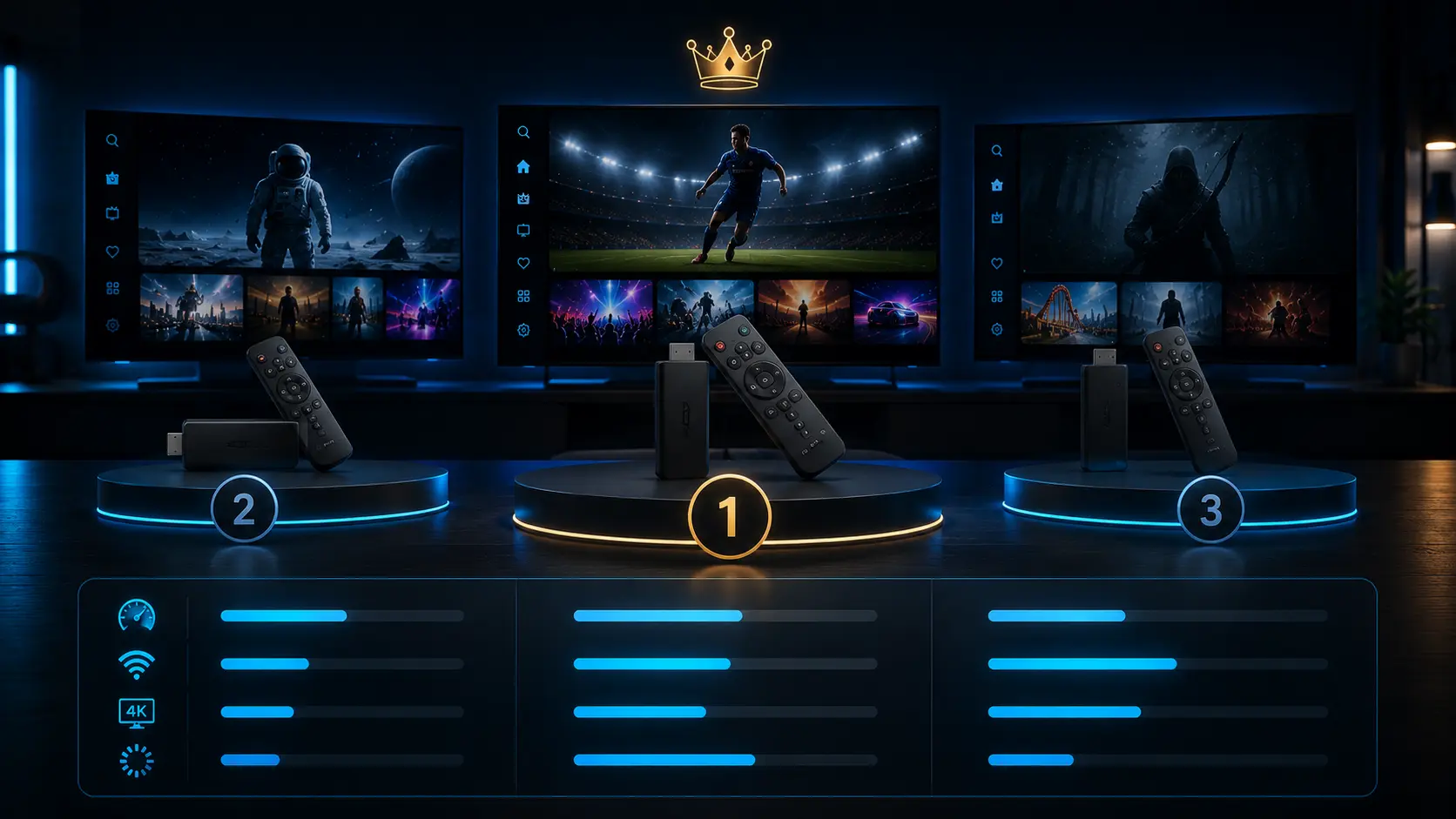
We tested five IPTV services on a stock Amazon Firestick 4K Max in 2026 — the same device sitting in most US living rooms — and ranked them on the four things that actually matter: setup time, channel breadth, US sports coverage, and how fast support replies when something breaks. Here's what we found, with no affiliate ranking nonsense.
Editorial Disclosure
Guru IPTV is one of the five services tested in this comparison. We tried to be honest about where it wins and where it doesn't — competitors are ranked by their actual test scores, not their willingness to advertise. If you'd rather just skip the article: try Guru IPTV with a 30-day money-back guarantee and form your own opinion.
How we tested IPTV services on Firestick
Every service was installed on the same Firestick 4K Max running the current FireOS, paired with TiviMate as the player (the most common Firestick setup in the US). Each service was given the same 1-month subscription period, run through the same checks, and timed against the same stopwatch. No service knew we were testing them.
Setup speed
Time from subscription confirmation email to first live channel playing on Firestick.
Channel breadth
Total live channel count, sampled across US locals, sports, news, movies and Spanish-language.
US sports coverage
Spot-checks on NFL, NBA, MLB, NHL, NCAA and UFC — were the games actually playable on a Sunday at 1 PM?
Support response
Time from sending a sample question to first human reply on the service's primary support channel.
The 2026 Firestick IPTV ranking
Guru IPTV came out top of the five on the Firestick test for one specific reason: it shipped the cleanest activation flow. The Xtream Codes login arrived in under a minute, TiviMate accepted it on the first try, and the full channel lineup with EPG populated in under 30 seconds. NFL Sunday testing on ESPN, FOX and CBS played in 4K without buffering on a wired Firestick connection.
Strengths
- Sub-3-minute activation on Firestick
- 4K on NFL, NBA, MLB national feeds
- WhatsApp support replies under 5 minutes (median)
- 30-day money-back guarantee, no questions asked
- US CDN nodes in NYC, LA, Chicago, Dallas, Miami
Weaknesses
- Smaller-market local affiliates depend on zip code
- Only one concurrent stream on the standard plan
- No phone support line (WhatsApp + email only)
Solid second-place finish. Service B had a clean Firestick install, a polished EPG, and good NCAA football coverage. Lost points on the absence of 4K live sports streams and a noticeably slower support response — first reply took just under 4 hours during US business hours.
Strengths
- Polished TiviMate-compatible login flow
- Strong NCAA football and basketball coverage
- Stable EPG with 14-day forward schedule
Weaknesses
- No live 4K — everything caps at 1080p
- ~4-hour support response on weekdays
- $19 entry tier is the highest of the five tested
Cheapest service in the bunch and not bad for the money. The channel count is half of Guru IPTV's, the live sports coverage thins out beyond the marquee national broadcasts, and the EPG was missing or out of date on roughly 15% of the lineup during testing.
Strengths
- Lowest entry price of the five tested
- Live chat support with sub-15-minute response
- Clean Firestick setup with Smarters
Weaknesses
- Half the channel count of the top tier
- Thin RSN (regional sports network) coverage
- EPG gaps on ~15% of channels
Service D had the longest activation in the test — 38 minutes from payment to working login, all of it spent waiting for the activation email. The lineup was decent once it loaded, but Sunday NFL testing on ESPN had buffering issues at 4 PM ET that other services in the test handled fine.
Strengths
- Decent channel breadth once activated
- Solid VOD library with current releases
Weaknesses
- 38-minute activation delay
- Peak-hour buffering on ESPN national broadcasts
- Stream quality jumps between SD, HD and what claims to be 4K
- Email-only support, ~6-hour first reply
The bottom of the test. Service E launched a polished landing page but missed multiple basic elements: no published refund policy, support email that took 26 hours to respond to the test message, and a channel lineup that had ESPN and FOX feeds dropping mid-Sunday-game during the NFL testing window. Listed here for completeness; we'd skip it.
Strengths
- Reasonable entry price
- Channels load quickly when they're working
Weaknesses
- No published refund policy anywhere on the site
- 26-hour support reply time
- ESPN/FOX dropped mid-NFL-game during testing
- Channel count was overstated in marketing
How to pick an IPTV service for Firestick
The ranking above is a snapshot — services change. The criteria are stable. When you're picking an IPTV service to put on your Firestick, regardless of which one is the flavor of the year:
- Demand a 30-day money-back guarantee. Any service that can't commit to 30 days is telling you something. Guru IPTV's refund policy is the floor; treat anything shorter as a risk signal.
- Test it on the channels you actually watch. The "50,000 channels" headline doesn't matter if your team's RSN is broken. Subscribe for a month, run a Sunday NFL test, a Tuesday kids' show test, and a Saturday movie test before you commit to a year.
- Open a support ticket on day one. Best test of any service is to send a real question and time how long the reply takes. Sub-10-minute responses are the gold standard.
- Look for standards-based delivery. If the service forces you into a custom app with no M3U URL or Xtream Codes login, your subscription is locked to that app's lifespan. Open standards mean you can switch players any time TiviMate or Smarters changes pricing.
Why Firestick specifically?
The reason we test on Firestick rather than a phone or a Smart TV is the same reason most US cord-cutters end up there: the Firestick is the cheapest, most flexible, most-supported streaming device in the country. Guru IPTV's Firestick guide covers the model differences (Lite vs 4K vs 4K Max vs Cube), but for IPTV testing the 4K Max with a wired Ethernet adapter is the closest thing to a fair playing field. Wi-Fi-only Firesticks introduce too much variance to compare services properly.
Bottom line
Guru IPTV led the 2026 Firestick comparison on the four metrics that mattered. Service B is a credible runner-up if 4K isn't a priority. Services C and D are usable; Service E we'd skip. The honest test, though, is your own household — subscribe to whichever option fits your budget, run the 30-day refund window as a real test, and form an opinion on the channels you actually watch.
Disclosure on competitor anonymization
We anonymized competitor names because the ranking criteria — channel count, response time, refund policy — are what matter, not the brand. A service's standing can shift between test cycles. If you'd like a copy of the unredacted comparison spreadsheet, message support and we'll share it.
Related Articles
Try Guru IPTV on Your Firestick — 30-Day Refund
$14 first month. Activation email in minutes. The honest test is on your living room TV, not a blog post.